Tell your story
Introduce yourselves as a couple and set the tone of your wedding with your words and photos.

Bring together your story and the information about your big day in a beautiful space to share with your loved ones. With VENUIVO, prepare your website from your wedding space.
Available through your couple account · Free to create
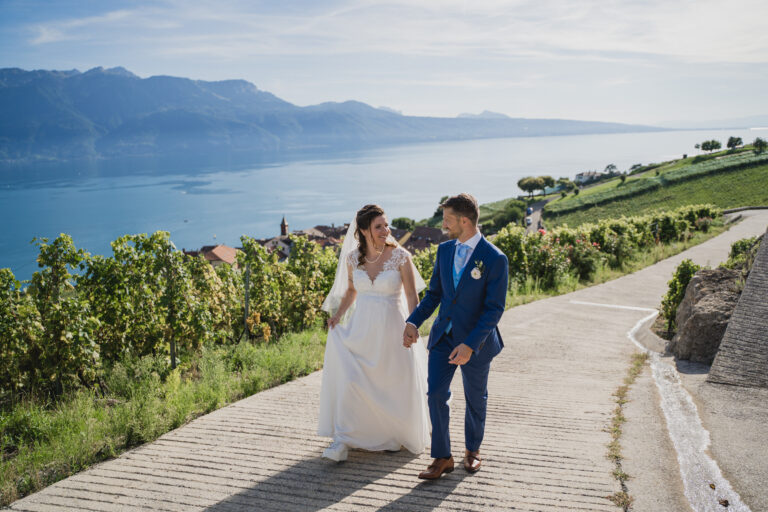
A beautiful day to share with you.
Example layout
A personal space to share your story, provide information and prepare to welcome your guests.
Introduce yourselves as a couple and set the tone of your wedding with your words and photos.
Bring together the date, venues and practical information to help your loved ones prepare for their visit.
Find your guests and invitation drafts in your wedding space, alongside your website.
Sign in to your couple account to find the “Our wedding website” section.
Complete your wedding information and personalise the elements available in your space.
Check your presentation and the information for your loved ones before sharing your website with them.
Open your wedding space and select “Our wedding website” in the menu. The button on this page takes you directly to that section after you sign in.
Creating your wedding website is available free of charge with your VENUIVO couple account.
Your first names, wedding date, a few photos and the practical information you want to share with your guests.
These tools have their own sections in your wedding space: My guests, My budget, Invitations and Seating plan.
Find your website and planning tools together in a single wedding space.